Images and files
Images and PDF documents live in the media library, so you upload a file once and use it on as many pages as you like.
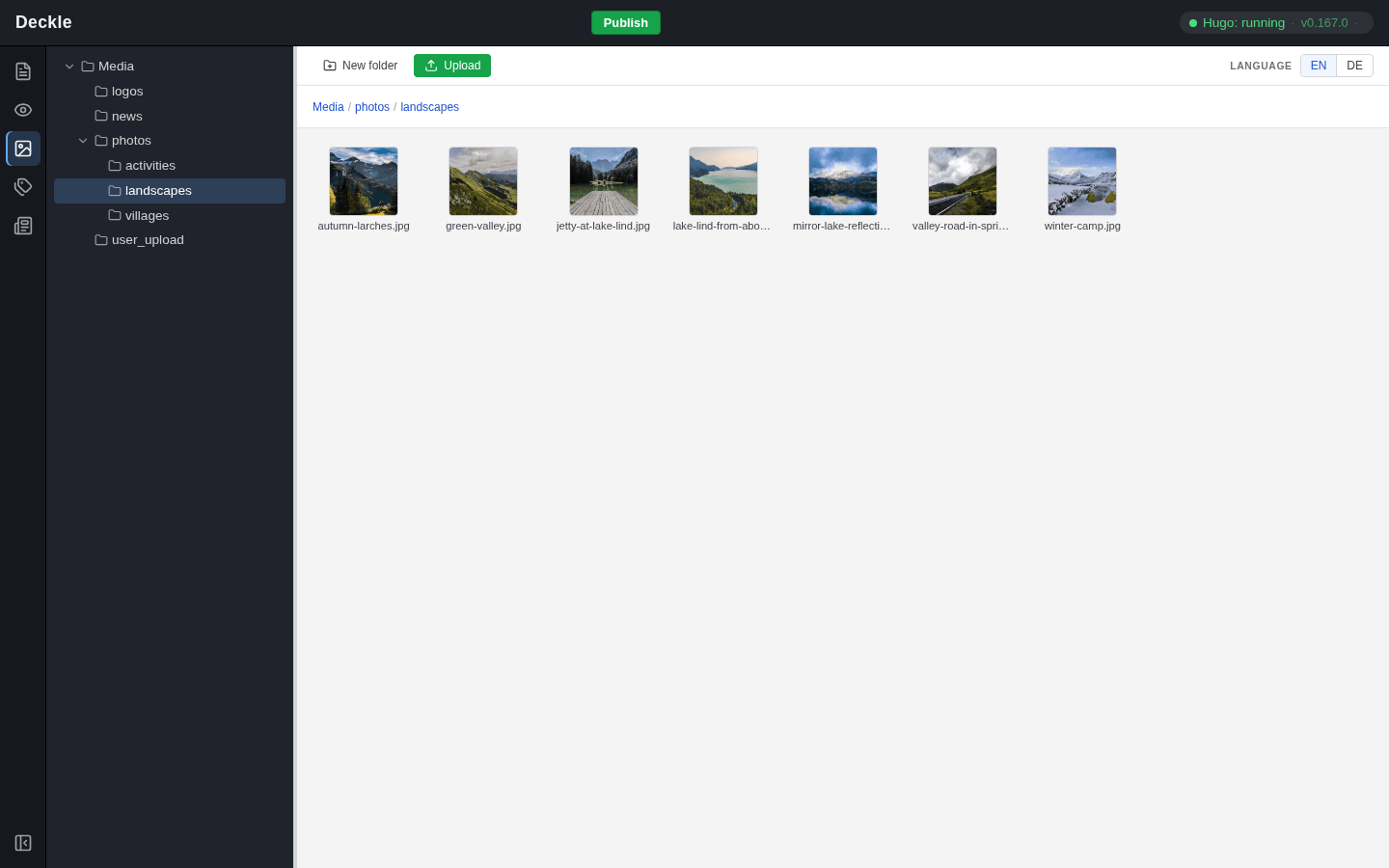
Images and documents such as PDF files do not belong to a single page. They live in the media library, the Media module, sorted into folders. You upload a file once and can then use it on as many pages as you like; if you rename or move it in the library, the image and link fields that use it follow automatically. When you upload a photo, the editor prepares it for the web: it turns it upright, scales very large pictures down and removes hidden data such as the GPS location.