Getting started
What deckle is, what you need to start editing your website, and how this guide is organised.
With deckle you edit your website yourself. You change texts, images and pages in clear forms, while the design stays exactly as it was made: the person who looks after your website has set up which building blocks you can use and how they look. Nothing you change reaches your visitors until you publish it, so you can work in peace and check everything first.
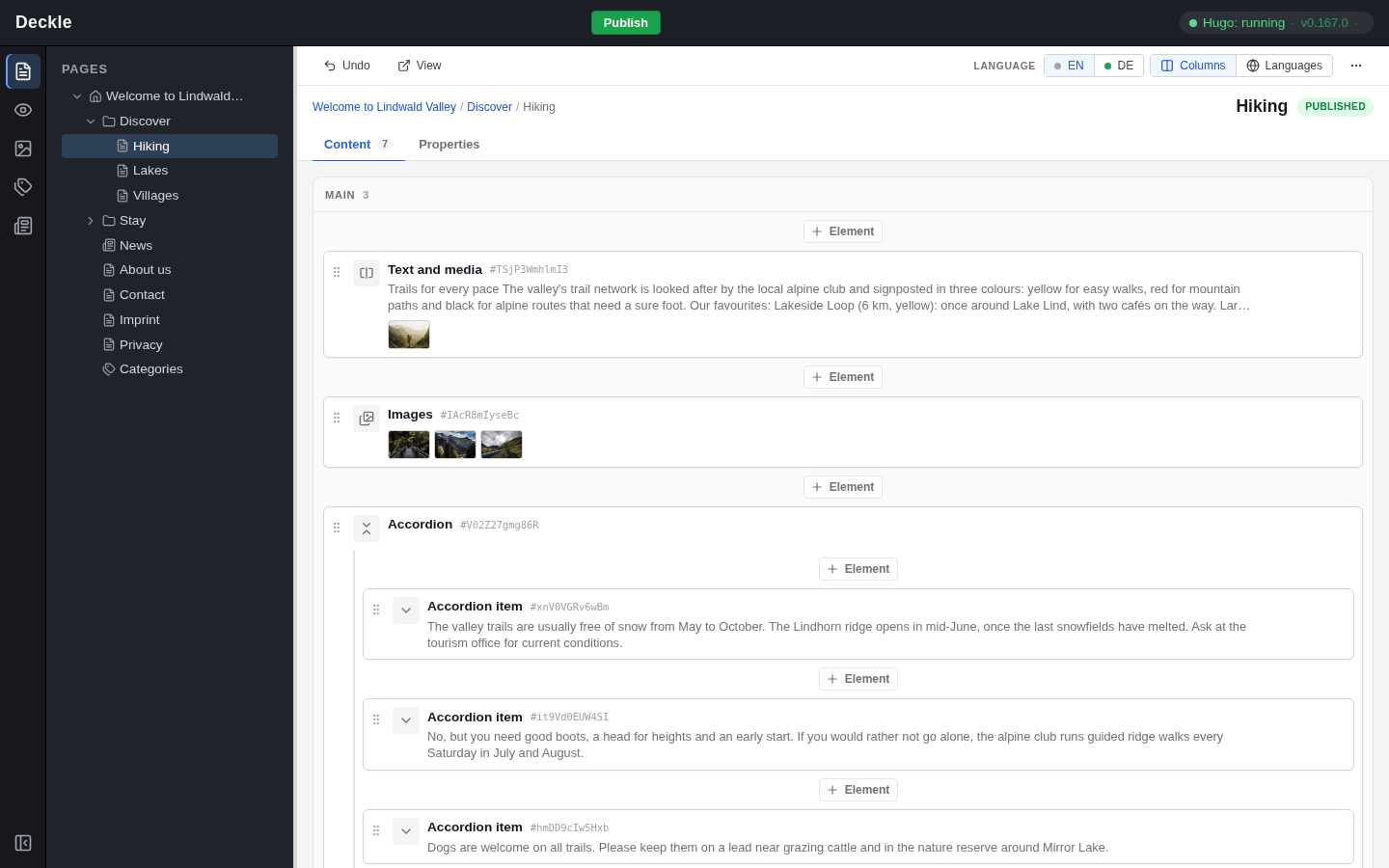
What you need
- The address of your editor and a login. You get both from the person who looks after your website. There is nothing to install: the editor runs in your web browser.
- A little time to look around. Opening pages and forms changes nothing, and even saved changes stay off your live website until you publish them.
If your website is hosted by deckle, the bar at the top of the editor looks a little different from the screenshots here: it also shows your website and your account. Everything below it works as described in this guide.
How this guide is organised
Start with the editor at a glance to get to know the screen, then make your first change from start to finish. The other sections each cover one area: pages, content elements, images and files, the preview, saving and publishing, news and categories and translations.